

Get The App


Editor's Reviews
The Description of Beats
Beats is the official application from Apple's Beats brand, primarily used to manage and optimize Beats wireless audio devices such as headphones, earbuds, and speakers. Its design goal is to allow users to more easily control device functions, check battery status, update firmware, and improve the overall user experience through intelligent methods. As an important part of the Beats ecosystem, this app embodies the brand's consistent minimalist design and user-centric philosophy.
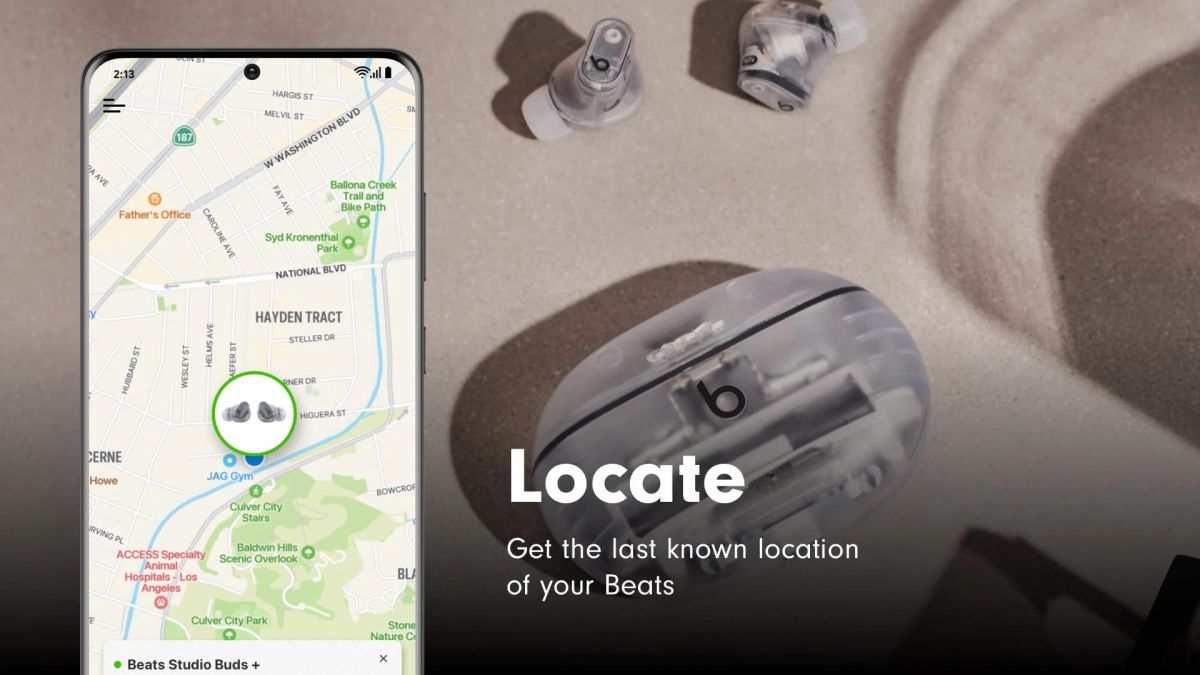
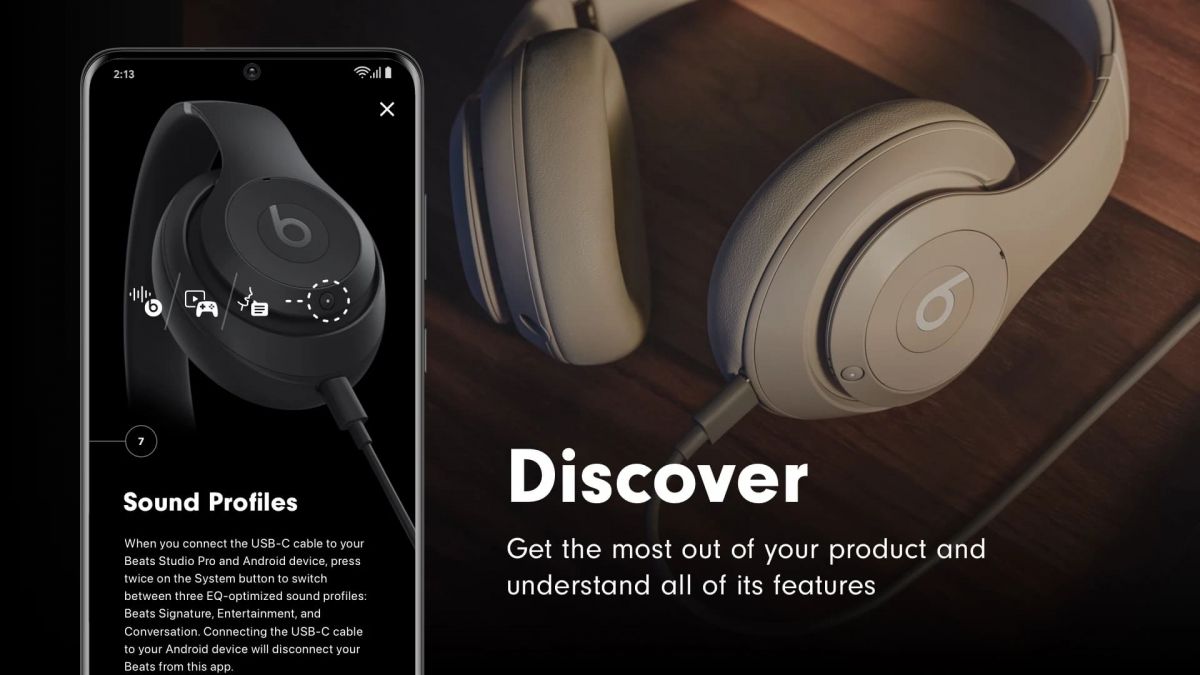
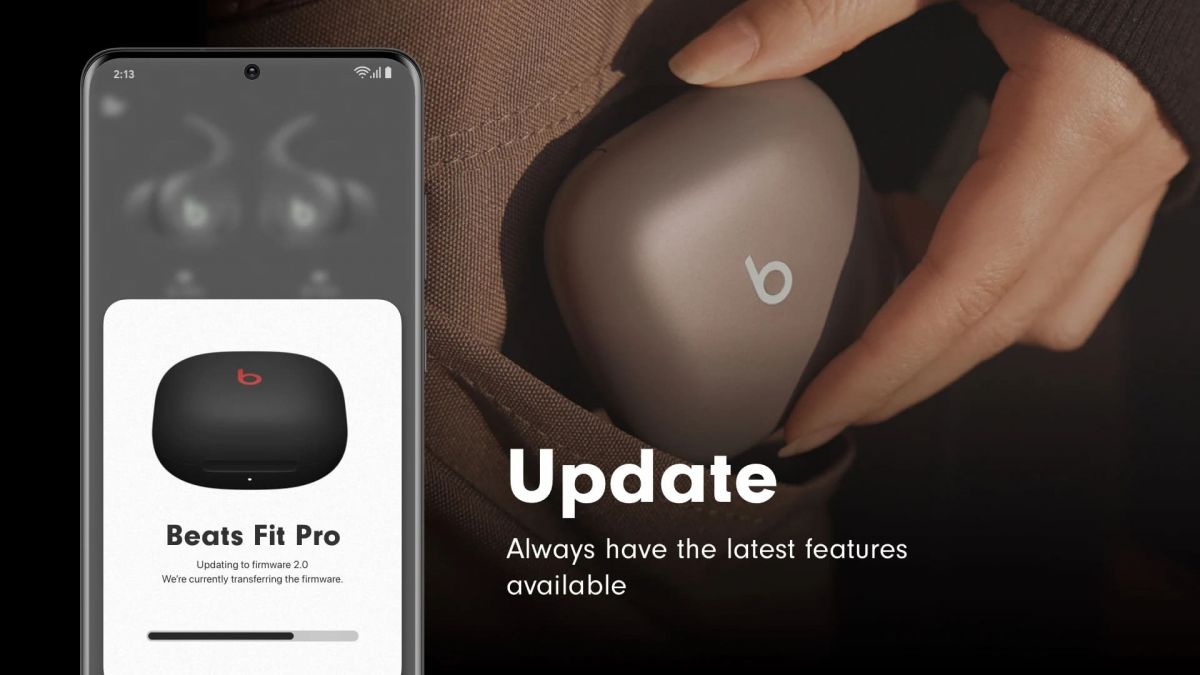
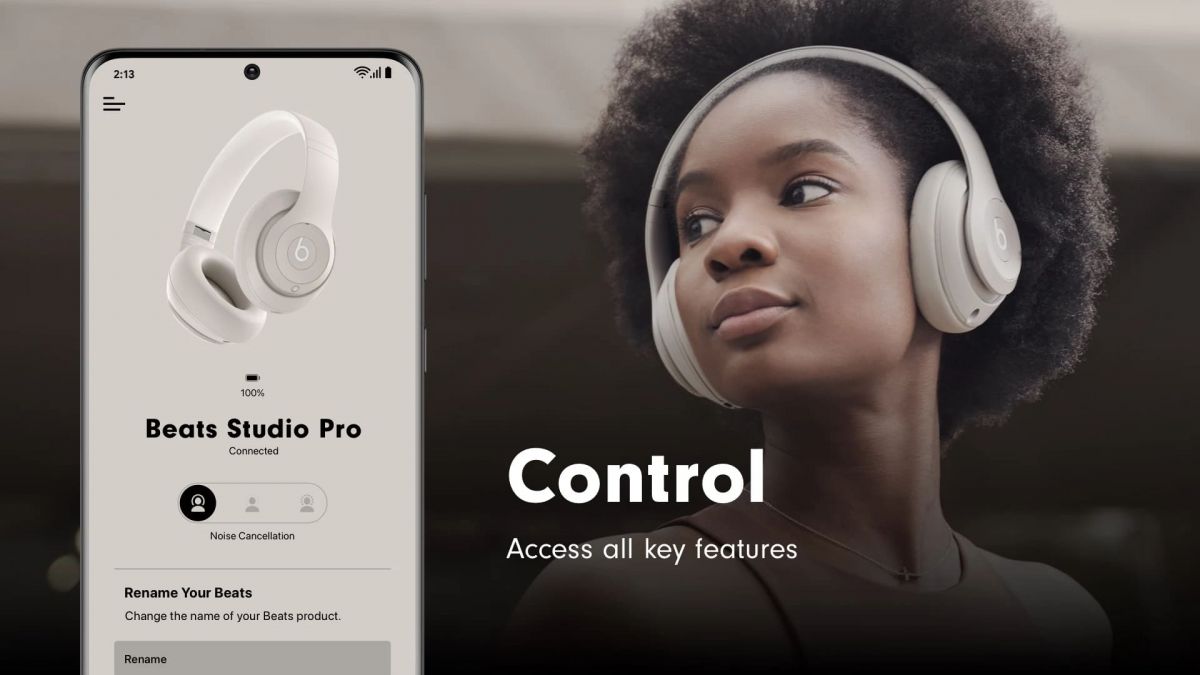
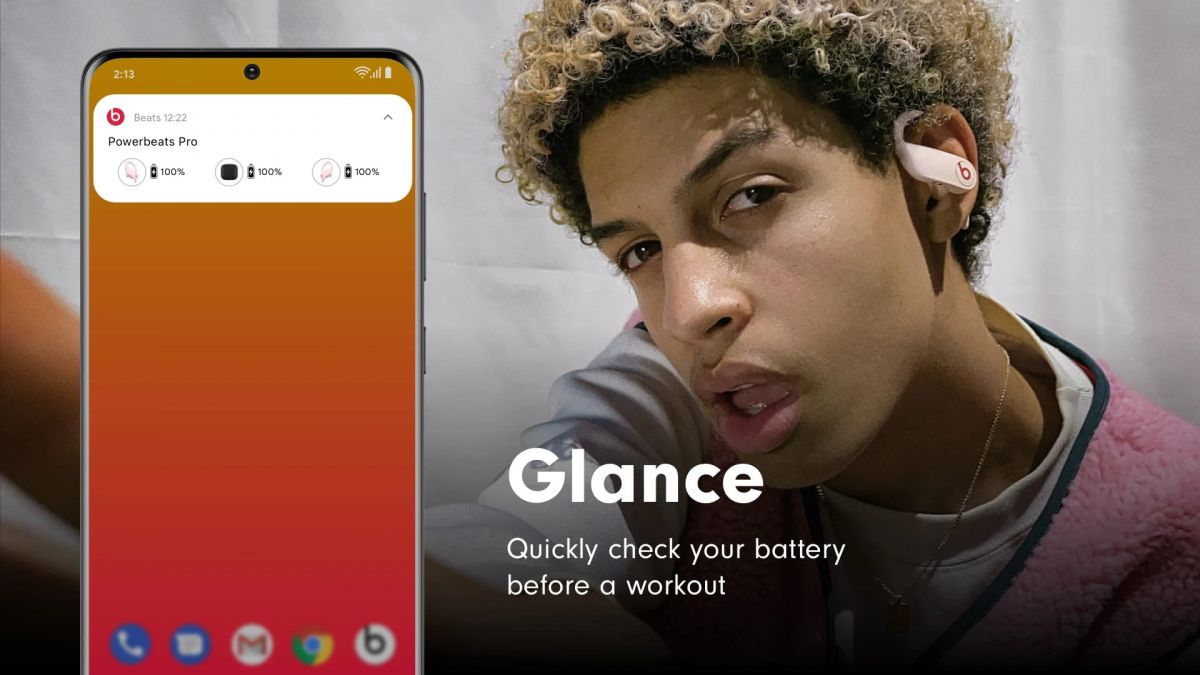
When using Beats devices, Beats's main functions are reflected in several aspects. First, it provides a quick connection function. Users simply open the app and bring it close to the headphones or speakers to complete pairing with a single click, without having to manually search for Bluetooth devices in system settings. Second, it displays detailed device information, such as the battery percentage of both earbuds, connection status, and current firmware version, allowing users to monitor device performance at any time. When Beats releases a new firmware version, the app automatically pushes an update notification; users simply click to confirm the upgrade within the app to ensure their devices have the latest performance and features. In addition, Beats also offers a "Find My Beats" feature. When headphones are lost or their location forgotten, users can check the device's last connection history through the app to help locate it. For some headphones that support active noise cancellation or transparency mode, such as the Beats Studio Pro or Beats Fit Pro, the app also allows direct switching between different listening modes, making usage more flexible.
App Store Performance
In terms of App Store performance, it's not a popular app, with relatively few downloads and reviews, and it hasn't appeared on mainstream app charts. In contrast, Beats is more active on Google Play. It offers a complete Beats device management experience and boasts higher user ratings and installs.
Beats Pros and Cons
Pros:
Beats's advantages lie primarily in its ease of use, unified design, stable performance, and centralized device management. It integrates device information, connectivity management, firmware updates, and other functions into a single interface, allowing users to quickly complete all operations and avoiding the hassle of repeatedly switching between different settings interfaces. The app's design continues Beats' consistent visual style, using a dark background and striking colors, with intuitive operation instructions, smooth interface animations, and an overall experience highly consistent with Apple's design philosophy. For Android users, Beats's significance is even more pronounced, as it fills the gaps in system-level functionality, allowing Beats devices to enjoy a similar intelligent experience to iOS on the Android platform.
Cons:
First, its functionality is relatively basic, mainly focusing on device connectivity and status management, lacking in-depth sound effect adjustment and customization options. For example, users cannot directly adjust the equalizer or sound curve within the app, which may be slightly disappointing for users seeking a personalized sound experience. Second, the app's practical value is highly dependent on whether or not one owns a Beats device; it is almost meaningless for users who do not use Beats products. Furthermore, some features may be limited in different regions; for example, the Find My feature may not be fully available in some countries or regions. Also, while overall stability is good, users have reported connection delays or update failures on some Android devices, indicating room for improvement in cross-device compatibility.
Beats Reviews
Overall, Beats is a device management application with a clear functional positioning, a consistent design style, and a good user experience. It allows users to easily control various functions of Beats headphones, achieving seamless connection and automatic updates.
Editor's Reviews
The Description of Beats
Beats is a companion application launched by the Beats brand to help users better manage and use Beats headphones, speakers, and other wireless audio devices. Beats is an Apple brand, so the app is closely integrated with the Apple ecosystem. It primarily enables device pairing, firmware updates, battery level monitoring, and device location services, providing users with a more convenient and personalized experience when using Beats products.
Functionally, Beats supports various Beats products, such as the Studio Pro, Fit Pro, Powerbeats, and Solo series. Users can quickly complete Bluetooth pairing through the app without complicated setup; the app interface displays information such as remaining battery power, connection status, and firmware version. When a new firmware is released, users can upgrade directly within the app to improve performance or fix potential issues. In addition, Beats provides a device location function, allowing users to see the last connected location when headphones are lost or forgotten. For some models, the app also supports adjusting noise control modes, viewing audio settings, and personalization.
App Store Performance
In terms of App Store performance, it's not a popular app, with relatively few downloads and reviews, and it hasn't appeared on mainstream app charts. In contrast, Beats is more active on Google Play. It offers a complete Beats device management experience and boasts higher user ratings and installs.
Beats Pros and Cons
Pros:
1. Easy to Use, Enhanced User Experience
Beats simplifies device pairing, setup, and updates. Especially for Android users, the app provides a seamless connection experience similar to iPhone, with one-click Bluetooth pairing, eliminating the cumbersome steps of traditional pairing.
2. Centralized Device Management
Users can view the status of all Beats devices in one interface, including battery level, firmware version, and connection information, avoiding frequent access to system settings. This centralized management design is particularly useful for users with multiple Beats products.
3. Practical Find My Device Feature
The app supports viewing the last connected location of the headphones, helping users find them if lost. While it cannot accurately track real-time location, it provides a useful reference in most cases.
4. Excellent Cross-Platform Support
As one of the few Apple apps deeply optimized for the Android platform, Beats offers stable compatibility, adapting to mainstream Android versions and devices, providing a consistent experience for users across different ecosystems.
Cons:
1. Limited Value on iOS
Because the iOS system already integrates Beats-related functions, Beats is almost non-existent in the App Store. This confuses many users when searching for or downloading it, leaving them unsure whether they need to install it or cannot enjoy the significant independent functional improvements.
2. Relatively Basic Functionality
The app's main functions focus on device connectivity and management, lacking advanced audio settings, personalized sound tuning, or equalizer features. For users seeking deep sound customization, Beats feels somewhat limited.
3. Low Update Frequency
Compared to Apple's own apps or third-party audio management tools, Beats updates more slowly. Some users have reported occasional connection instability or synchronization delays on Android platforms.
Beats Reviews
Overall, Beats is a companion application designed specifically for Beats devices, its core value lying in providing convenient device management and maintenance functions. If you are a Beats user, especially using an Android phone, installing Beats can bring a better management experience to your headphones or speakers; however, if you are using an iPhone, there is no need to download it separately, as the system has already integrated all the necessary functions for you.
More App